First setup
- Open the app to see a short introduction.
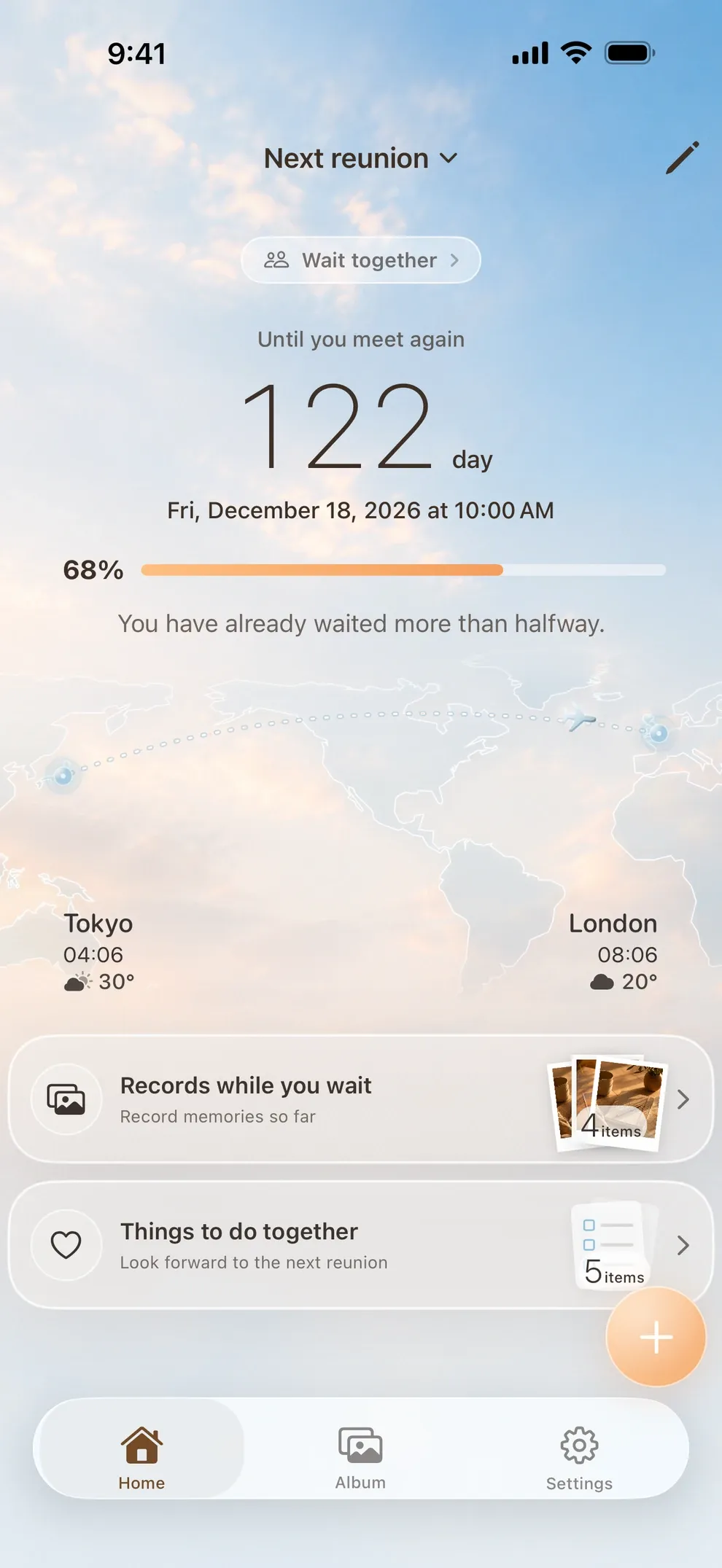
- Create your first reunion with names, places and a date.
- After you save, Home opens and the countdown begins.
No account or sign-in is required.
 Remeet
HOW TO USE
From first setup to everyday use, follow the flow of the real app screens.
01
Set the date and where each of you will be. Trips and visits can run side by side.
02
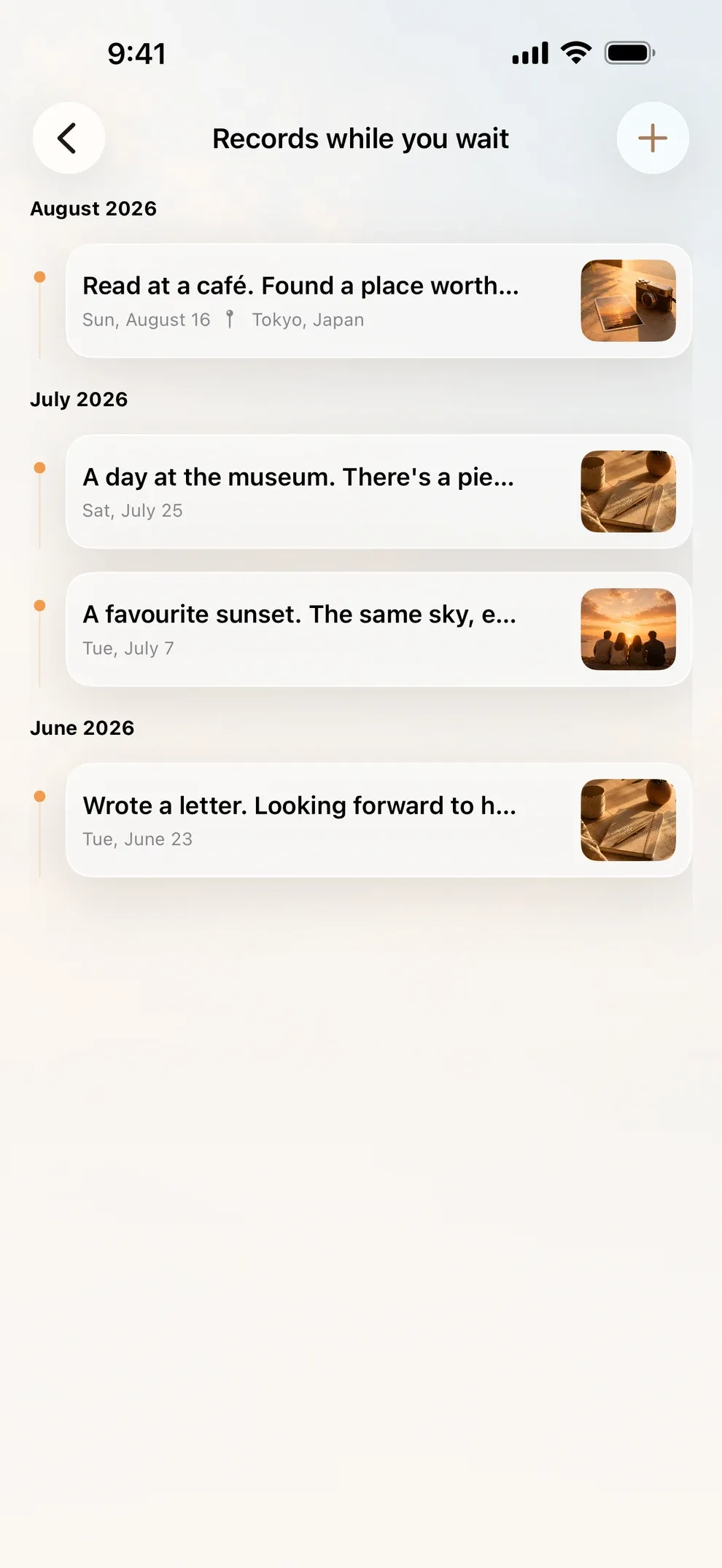
Keep photos and notes from the time apart. It does not have to be every day.
03
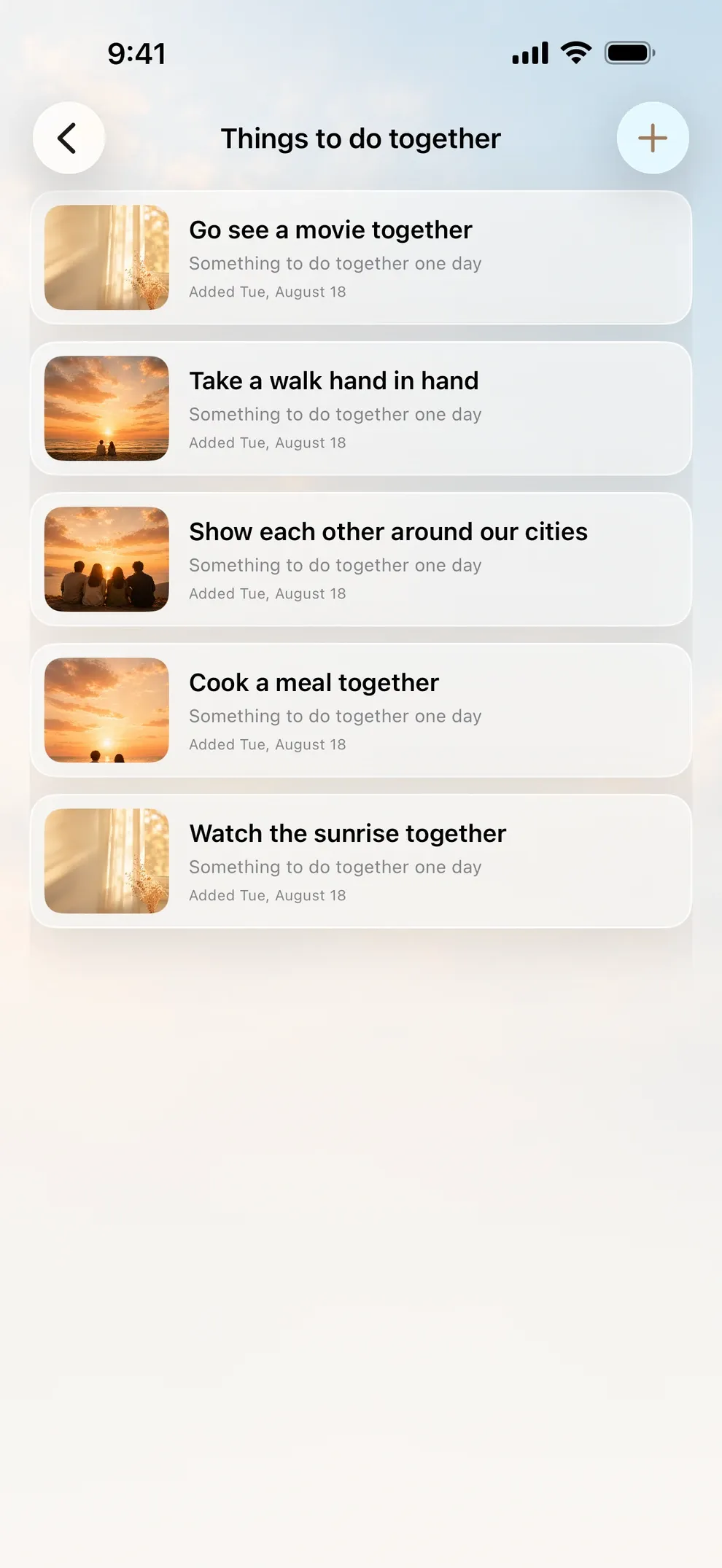
List what you want to do when you meet. On a shared reunion you can add to it together.
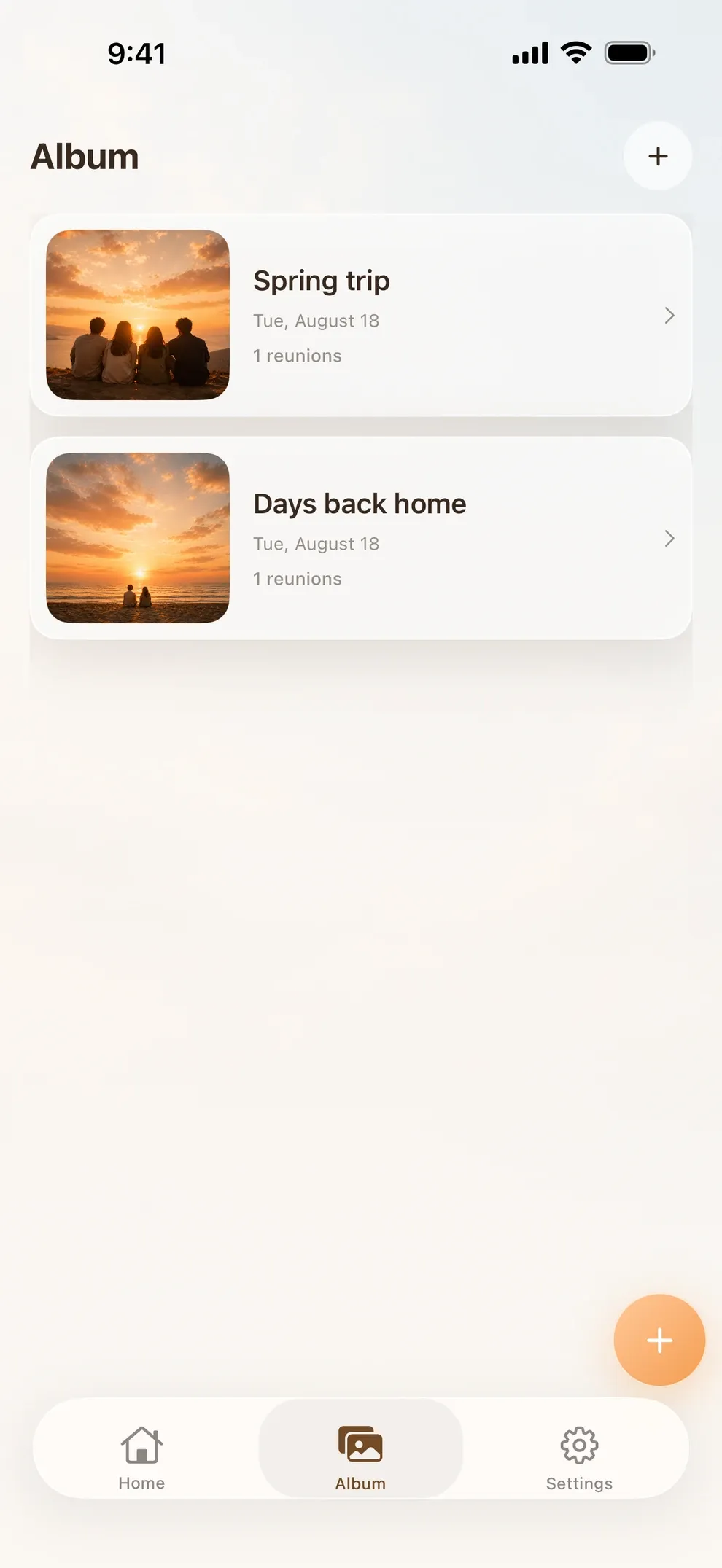
04
Save a photo and reflection from the day you meet, or change the date if plans move.
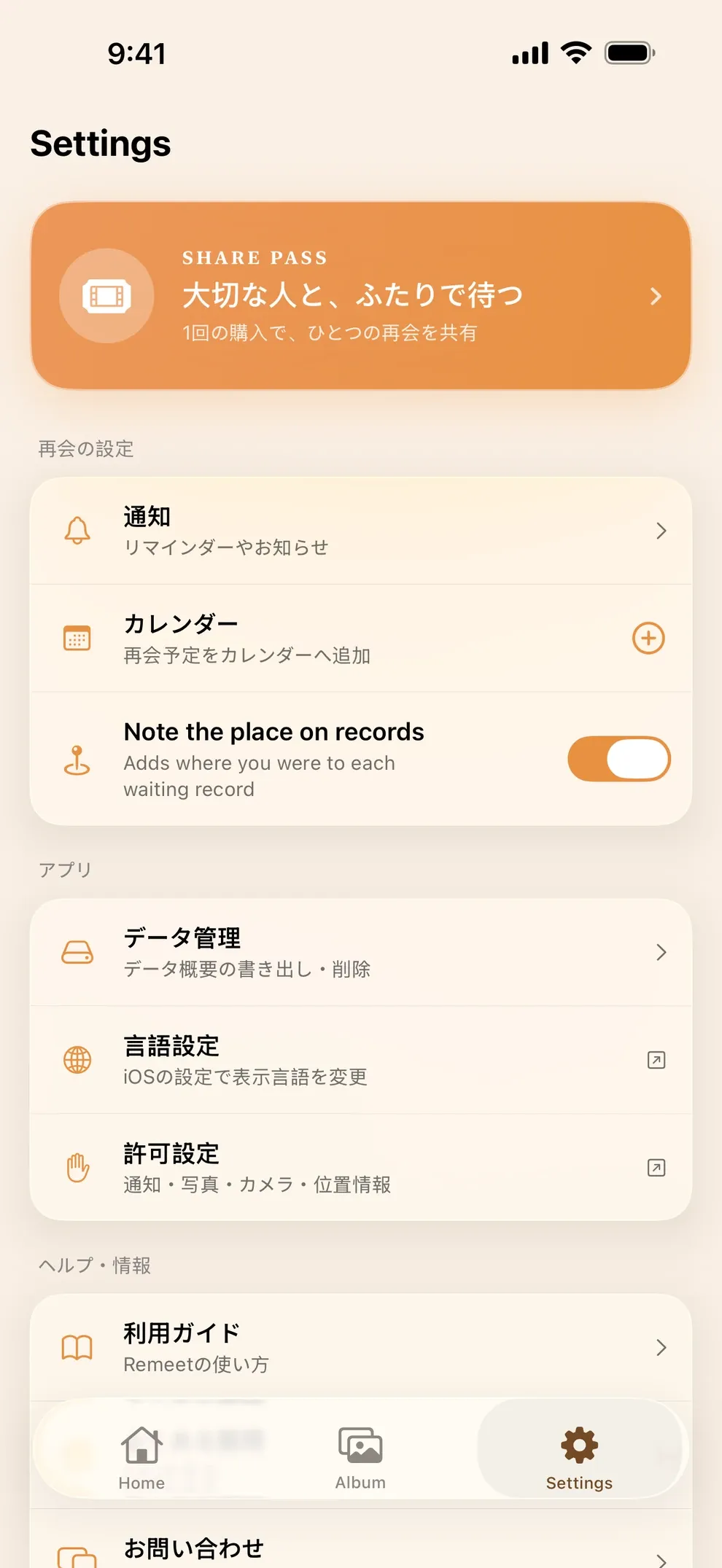
05
Choose which notifications you want in Settings, then place a widget on your Home or Lock Screen.
No account or sign-in is required.
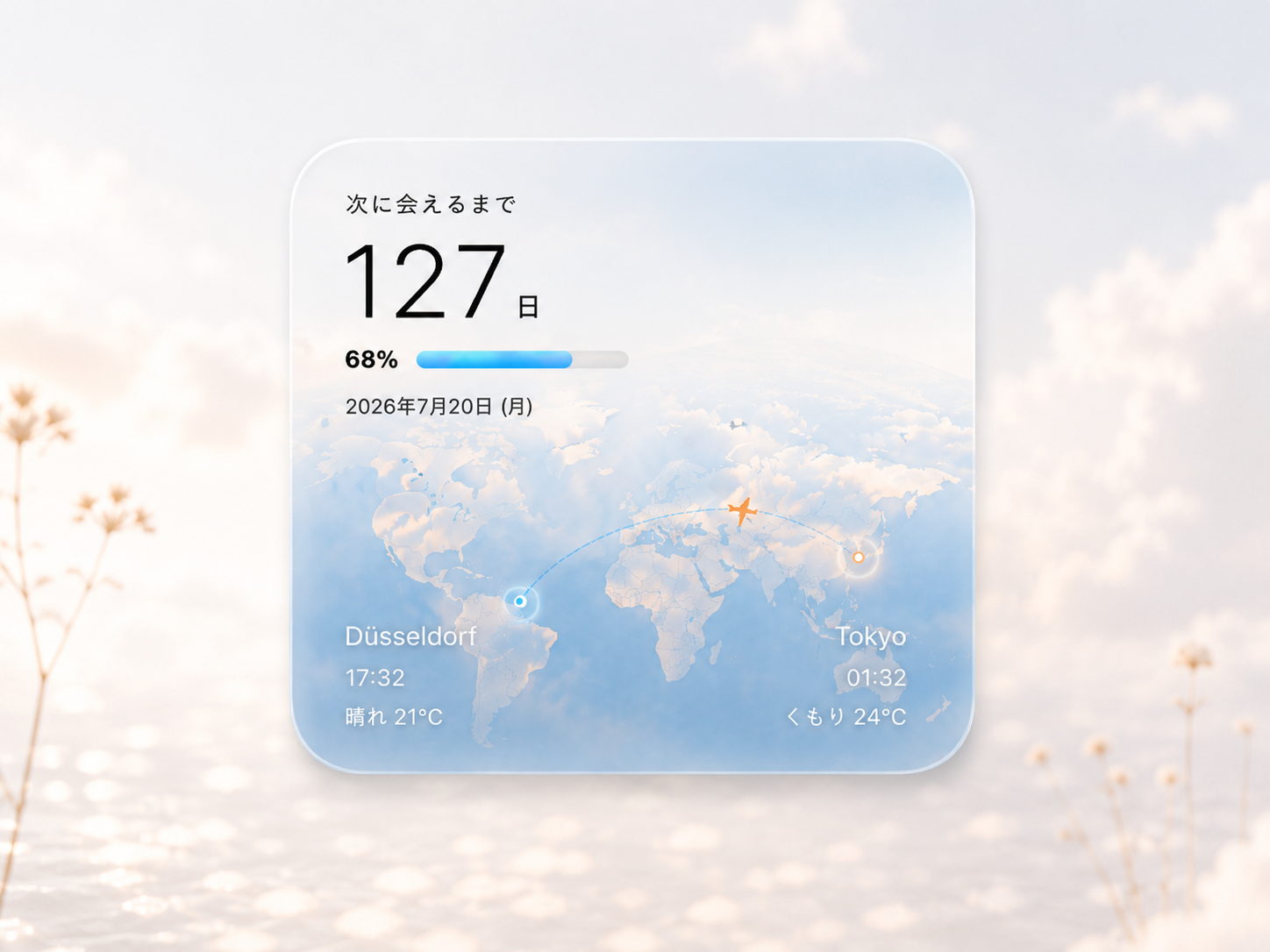
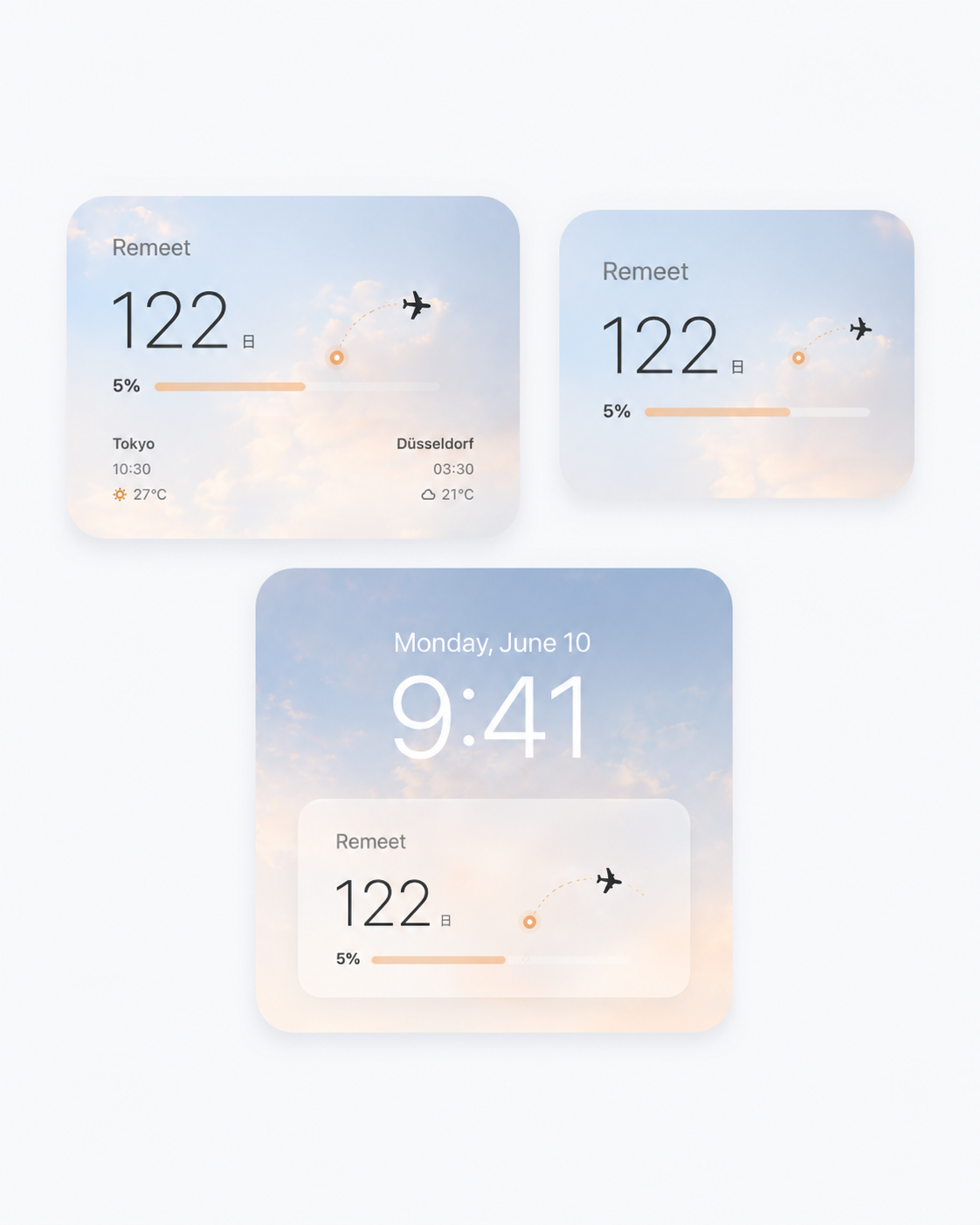
Permission is requested after you save your first reunion.
This cannot be undone. A partner you shared with loses access too. Purchased Share Passes and your block list are kept. Make sure important photos also live in the Photos app.